



Skip to content
View in the app

A better way to browse. Learn more.

Arteum Digital

A full-screen app on your home screen with push notifications, badges and more.

To install this app on iOS and iPadOS
  1. Tap the Share icon in Safari
  2. Scroll the menu and tap Add to Home Screen.
  3. Tap Add in the top-right corner.
To install this app on Android
  1. Tap the 3-dot menu (⋮) in the top-right corner of the browser.
  2. Tap Add to Home screen or Install app.
  3. Confirm by tapping Install.

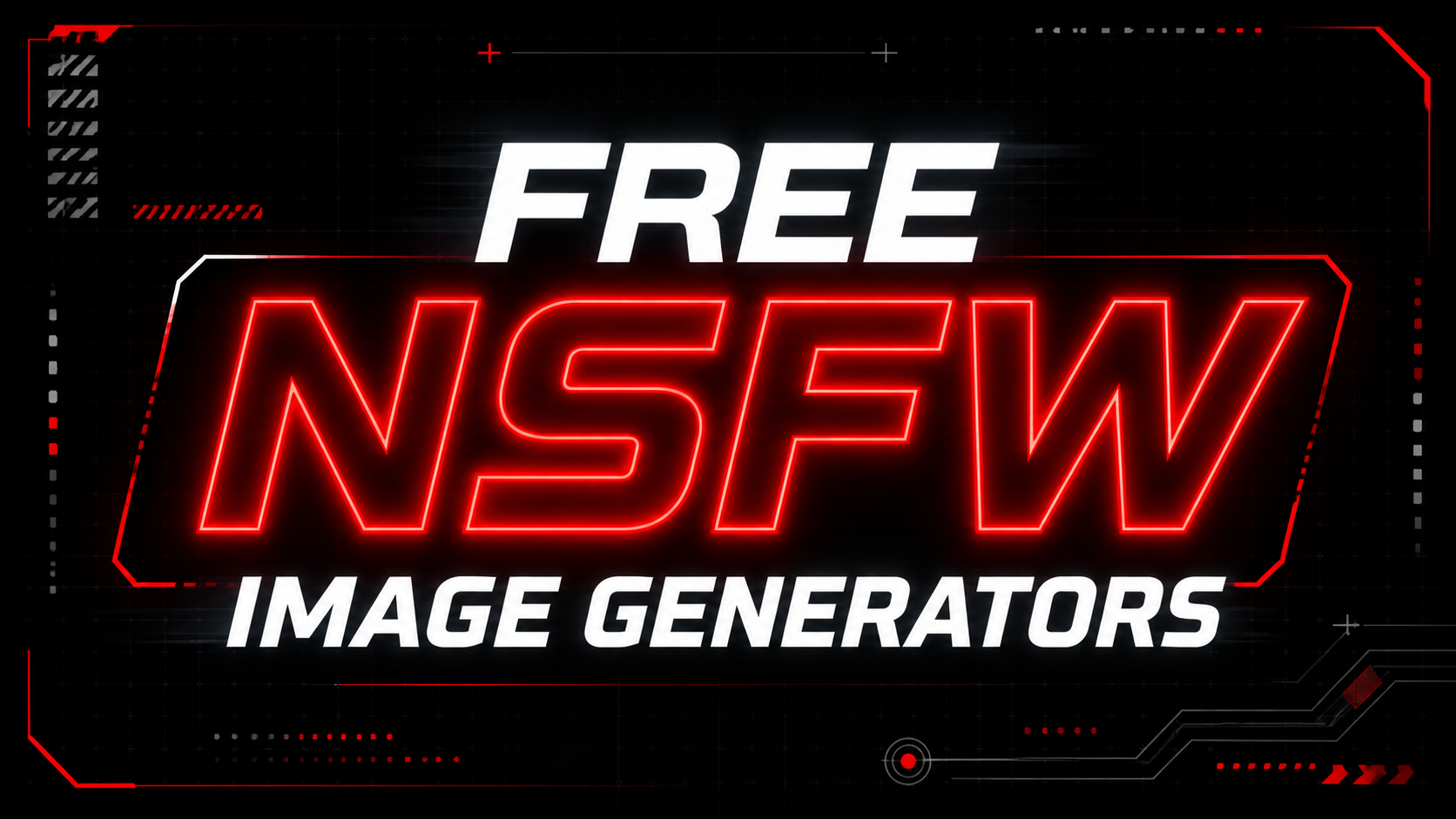
Free NSFW Image Generators

Anbieter die Erwachseneninhalte erlauben, bieten diesen Service in der Regel nicht für lau an, easy Money halt. Für alle die keinen ausreichenden Rechner für eine Stable Diffusion Installation haben und kein Geld für solche Bilder ausgeben möchten, hier eine kleine Liste von Gratisanbietern.

Aber auch bei diesen ist meist irgendwo ein Haken, sei es ein Wasserzeichen im Bild, geringe Auflösung, lange Wartezeiten und für gewöhnlich tägliche Limits.

EXCLUSIVE CONTENT / MEMBERS ONLY

Dies ist KEINE Paywall, der vollständige Artikel ist lediglich unseren Mitgliedern vorbehalten. Einen Teil des Inhalts konntet ihr ja bereits lesen, für den Rest benötigt ihr einen Account. Die Mitgliedschaft bei Arteum Digital ist 100% kostenfrei.

User Feedback

Recommended Comments

There are no comments to display.

Join the conversation

You can post now and register later. If you have an account, sign in now to post with your account.

Guest
Add a comment...

Account

Navigation

Search

Search

Configure browser push notifications

Chrome (Android)
  1. Tap the lock icon next to the address bar.
  2. Tap Permissions → Notifications.
  3. Adjust your preference.
Chrome (Desktop)
  1. Click the padlock icon in the address bar.
  2. Select Site settings.
  3. Find Notifications and adjust your preference.